
In today’s world, many tools have been developed to increase organizational efficiency, with Google Workspace being one of the most popular. Many people wonder what Google Workspace is and how it can help organizations work better. This article will explore what Google Workspace is, its benefits, and why over 5 million organizations worldwide choose Workspace as their primary work tool. CIPHER as an expert in IT Solutions and Digital Marketing will guide you on how to use Google Workspace to maximize benefits for your business.
Table of Contents
What is Google Workspace?
What is Google Workspace? Simply put, it’s an intelligent work toolkit that combines all Google applications in one place to help teams work more efficiently together. Many may be familiar with its previous name, G Suite, before it was rebranded to Google Workspace, the platform we use today.
The highlight of Google Workspace is that all software operates 100% on the cloud, allowing you to access it from anywhere, anytime, on any device with internet access. What does Google Workspace do? Besides being a work tool, it also helps build credibility for your business with email addresses using your own company domain.
Why Should Every Organization Use Google Workspace
The fact that Google Workspace has more than 3 billion users worldwide demonstrates its widely accepted efficiency. What role does Google Workspace play in leading organizations worldwide? Let’s see how Workspace answers the challenges of working in the digital age:
- Real-time Collaboration Anywhere, Anytime – Google Workspace enables efficient work from home. You and your team can work on the same file simultaneously, seeing changes instantly without having to send files back and forth.
- Great Communication Helper – Google Workspace creates a system that removes communication barriers within teams, from sending emails, chatting, to online meetings via Google Meet that can accommodate many participants, helping speed up decision-making.
- Store and Share Files in the Cloud – Workspace solves the problem of scattered document files with Google Drive, which can store large amounts of data with a flexible sharing system and detailed access permissions, making collaboration easy.
- Secure Data Protection – Google Workspace is a highly secure system with data encryption, multi-factor authentication, and Admin control over all data access, with 24-hour Google Support.
According to a study by Forrester Research, a leading research organization using Google Workspace, usage helps increase company revenue by 1.5%, saves 171 working hours per user per year, reduces data breach risk by 95%, and delivers a 331% ROI.

What Basic Apps are Available on Google Workspace?
Communication and Management Apps
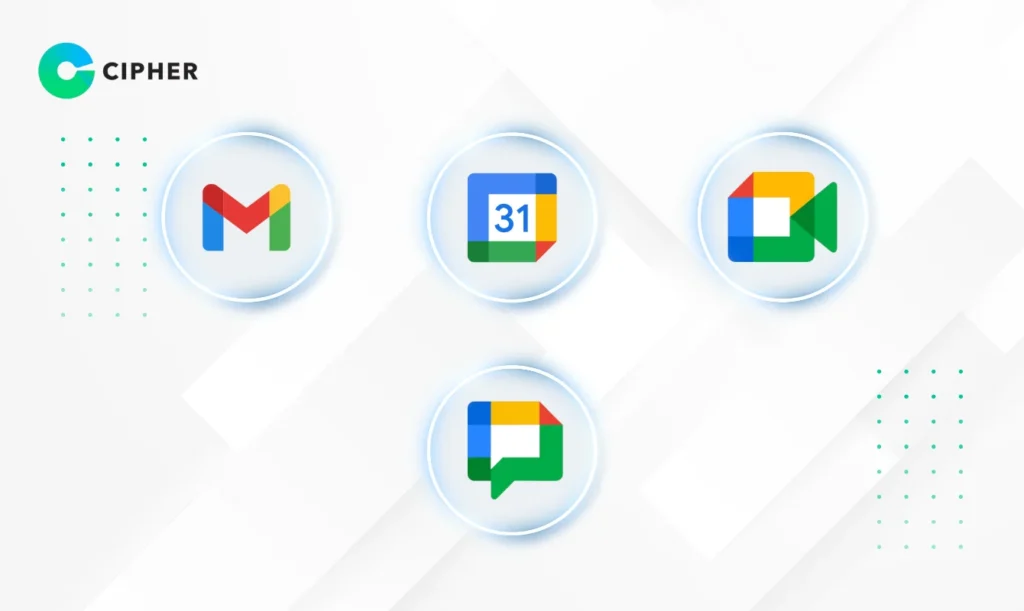
What does Google Workspace offer for communication? Tools that help make internal organizational contact smooth, such as:
- Gmail – An email system that allows you to use your own company domain name (yourname@yourcompany.com), creating credibility and professionalism, with advanced spam and malware protection.
- Google Calendar – A smart calendar that helps manage schedules, appointments, and important event reminders. You can easily view colleagues’ calendars to find matching free time.
- Google Meet – A system with high-quality online meeting tools that accommodate many participants, with screen sharing features, meeting recording, and direct calendar integration.
- Google Chat – A team messaging platform that can be divided into chat rooms, easily search old messages, and share files, helping reduce unnecessary emails.
Document Apps
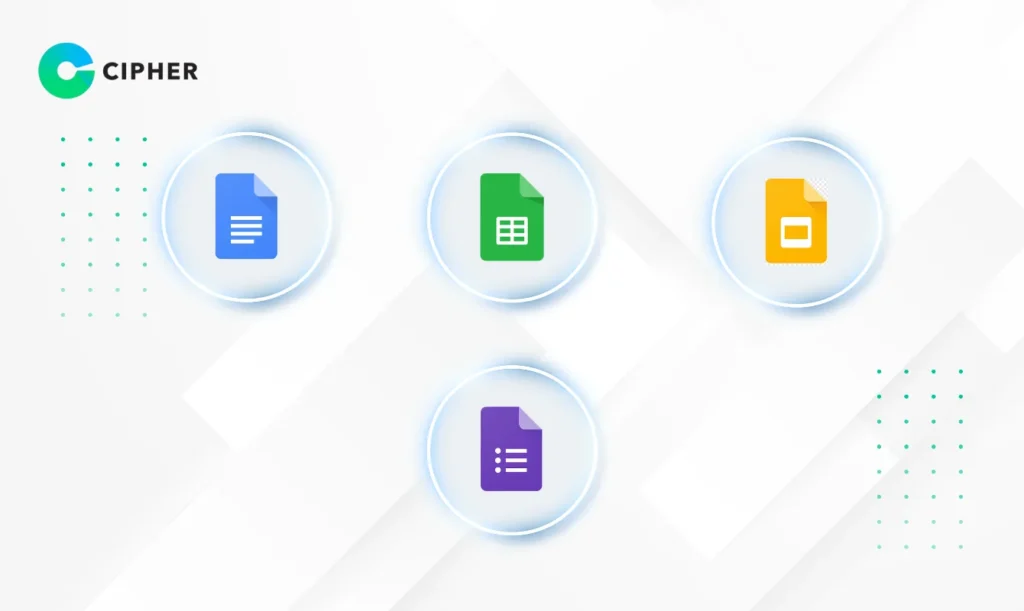
What role does Google Workspace play in creating and editing documents? These tools make collaboration easy:
- Google Docs – A system with online document software that teams can edit simultaneously in real-time, with a comment system and complete edit history.
- Google Sheets – Online spreadsheets that work just like Excel but are easier to collaborate on, with powerful formulas, graphs, and data analysis.
- Google Slides – A system with presentation software that creates beautiful slides, allows teams to work together simultaneously, and present online directly through Google Meet.
- Google Forms – Create forms, questionnaires, or tests that respond quickly, with results collected in real-time and analyzed immediately.
Apps for Storage and Data Recording
What does Google Workspace include for data management? These apps help organize organizational data:
- Google Drive – A system with cloud storage space accessible from any device, sharing files both inside and outside the organization, with smart search that helps find files in seconds.
- Google Keep – Smart note-taking that syncs data between all devices, creates to-do lists, and sets reminders based on time or location.
- Google Sites – Google Sites is a system that helps you create websites within your organization easily without coding, suitable for intranets or internal project websites.
Google Workspace AI Tools

Google Workspace tools that leverage AI will increase your work efficiency, with key tools such as:
- Gemini for Workspace – A system with intelligent AI that helps draft emails, summarize documents, analyze data in spreadsheets, and create presentation slides quickly.
- Google Vids – Create high-quality videos with AI without needing editing skills, perfect for training videos, presentations, or marketing.
- NotebookLM – This tool uses Gemini AI to analyze multiple documents, summarize information, and answer complex questions from sources you upload.
Security Apps

Google Workspace has robust security tools such as:
- Google Admin Console – A workspace where administrators can manage all users, devices, and security policies.
- Google Vault – A system with tools to preserve, search, and export data to meet legal and compliance requirements.
- Google Work Insights – Analyzes Google Workspace usage in your organization to improve work efficiency and see team usage trends.
Preparation Steps Before Starting to Use Google Workspace
How do you use Google Workspace to get started smoothly? Google Workspace is a system that requires preparation before use:
- Prepare a Domain – Prepare your own domain, such as yourcompany.com, which you can buy during registration or use an existing one.
- Choose the Right Package – What is Google Workspace that has several packages to choose from? There are 4 main packages:
- Business Starter (6 USD/month/user) – 30GB storage, meetings up to 100 people
- Business Standard (12 USD/month/user) – 2TB storage, meetings up to 150 people, with meeting recording
- Business Plus (18 USD/month/user) – 5TB storage, meetings up to 250 people, with Vault and advanced authentication
- Enterprise (contact for pricing) – Unlimited storage, meetings up to 500 people, with the most advanced security and management features
- Plan Data Migration – A system that requires planning to systematically migrate existing emails and documents to Google Workspace.
- Set Up Admin – Determine who will be the main Admin in managing the entire system and establish appropriate security policies for the organization.
- Prepare Your Team – Define the roles of team members using Google Workspace. You should train your team to understand the benefits and usage methods so everyone is ready before use.
Google has startup guides divided by business size, such as:
- Guide for single users – suitable for freelancers or very small businesses
- Guide for small businesses (2-9 people) – focusing on basic settings and collaboration in small teams
- Guide for medium-sized businesses (10-300 people) – covering management of many users and organizational policy settings
Transform Your Marketing Team to Work Faster with Google Workspace and Planning from CIPHER
CIPHER understands how Google Workspace can help your marketing team work most efficiently. With experience in developing systems for leading national brands, CIPHER can help your marketing team in the following ways:
- Plan Marketing Strategies Together in Real-Time – A system where marketing teams can draft plans, track campaigns, and analyze results simultaneously through Docs and Sheets.
- Create and Manage Content Efficiently – A system that helps store all media files, such as images and videos, systematically in Drive, with easy team sharing.
- Coordinate Marketing Campaigns Seamlessly – Help plan and track campaign progress through shared calendars and team meetings.
- Analyze Marketing Data in Depth – CIPHER can help your team use Sheets and Data Studio to collect and analyze marketing data accurately.
- Comprehensive Social Media Management – We have a team of experts who can plan social media strategies in conjunction with using Google Workspace.
CIPHER has over 10 years of experience in system development and digital strategy planning, giving us an understanding of how to apply Google Workspace that best suits your business.
Conclusion
Google Workspace is a cloud-based toolkit that combines all applications in one place, including communication, document creation, and data storage. Workspace is a system that allows teams to work together from anywhere, anytime, securely, helping increase efficiency and reduce redundant work time, and connecting everyone in the organization to work together seamlessly with the latest technology. Consult CIPHER, the expert ready to help plan, install, and train your organization to use it most efficiently right now!