
Knowing how to reduce JPG file size without installing additional programs is an incredibly useful skill. Whether you’re a regular user wanting to share images on social media or a website owner looking to improve page loading efficiency, this article from CIPHER, web development experts, will guide you through effective JPG compression methods and online tools to help you compress image files efficiently.
Table of Contents
What is a JPG File?
JPG or JPEG (Joint Photographic Experts Group) is one of the most popular image file formats in the digital world, thanks to its ability to compress image data while maintaining reasonable quality. JPG files use lossy compression techniques, which means when compressing files, some data is discarded.
With the ability to support up to 16.7 million colors, JPG files are particularly well-suited for photographs, paintings, or complex graphics. However, they’re not ideal for images with text or sharp lines, as compression may reduce clarity. Finding the right balance between file size and image quality is key when reducing JPG file size.
Why Reduce JPG File Size?
Many people wonder why they should care about reducing JPG file size. In truth, compressing JPG files to an appropriate size offers numerous benefits, whether you’re a regular user or an online business owner. Here are important reasons why you should know how to reduce JPG image size:
- Save storage space – Smaller files allow you to store more images in the same storage space, whether on a smartphone or cloud storage
- Reduce upload time – Uploading smaller files takes less time, saving you time and bandwidth
- Increase website loading speed – Websites using smaller images load faster, improving user experience and potentially benefiting search rankings
- Easier email sending – Many email servers have file size limitations; compressing image files makes sending emails more convenient
- Reduce mobile data usage – Sharing or downloading smaller images saves data usage on smartphones

Benefits of Compressing JPG Files
Reducing JPG file size isn’t just about storage space—it offers many other advantages, especially for online businesses and websites:
- Improve SEO performance – Google prioritizes page loading speed, and reducing JPG file size can significantly improve scores in this area
- Lower bounce rates – Users typically leave websites that load slowly; compressing image files for smaller sizes helps pages load faster, keeping visitors engaged longer
- Support mobile usage – With the increasing number of smartphone users, making websites load quickly on mobile devices is crucial, and reducing JPG file size is an important part of making websites mobile-friendly
- Enhanced user experience – Fast image display helps create a positive impression and makes website navigation smoother
- Reduced hosting costs – Many hosting services charge based on usage volume; reducing JPG file size helps save costs in the long run
How to Reduce JPG File Size Without Installing Programs
PicWish

PicWish is an easy-to-use and highly efficient online tool for reducing JPG file size. With a simple interface, you can upload images and adjust compression levels as needed. This website also has the ability to maintain the best possible image quality, even when significantly reducing file size.
The advantages of PicWish include no watermarks, the ability to upload multiple images simultaneously, and various compression options, allowing you to choose compression levels that suit your needs.
11zon
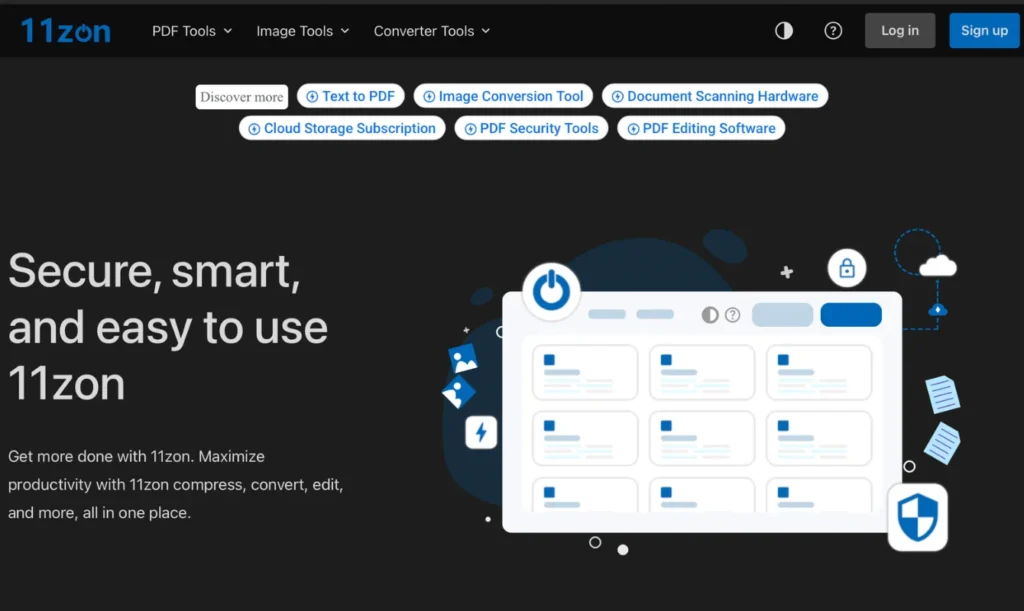
11zon not only helps reduce JPG file size but also supports other file formats like PNG, GIF, and BMP. This website stands out with advanced customization options that help you control image quality in detail.
Additionally, 11zon offers other image editing tools such as cropping, rotating, and color adjustment, making it a comprehensive option for online image management. Compressing JPG files with 11zon is very easy—simply upload the image, select the compression level, and download it back.
Aspose.app
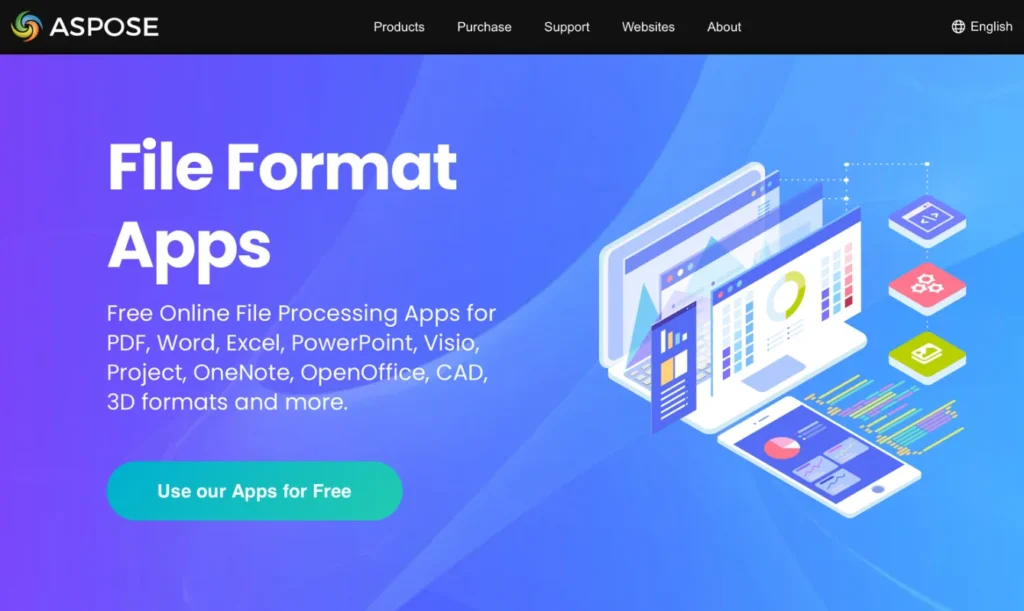
Aspose.app is another interesting tool for reducing JPG file size, with strengths in speed and security. This website guarantees that your files will be deleted from their servers after the compression process is complete, making it suitable for compressing files with privacy concerns.
Aspose.app also offers options for automatically converting image files to smaller sizes, making it easy for non-technical users. Additionally, it provides many other image file-related tools, making it a comprehensive platform.
Picdiet
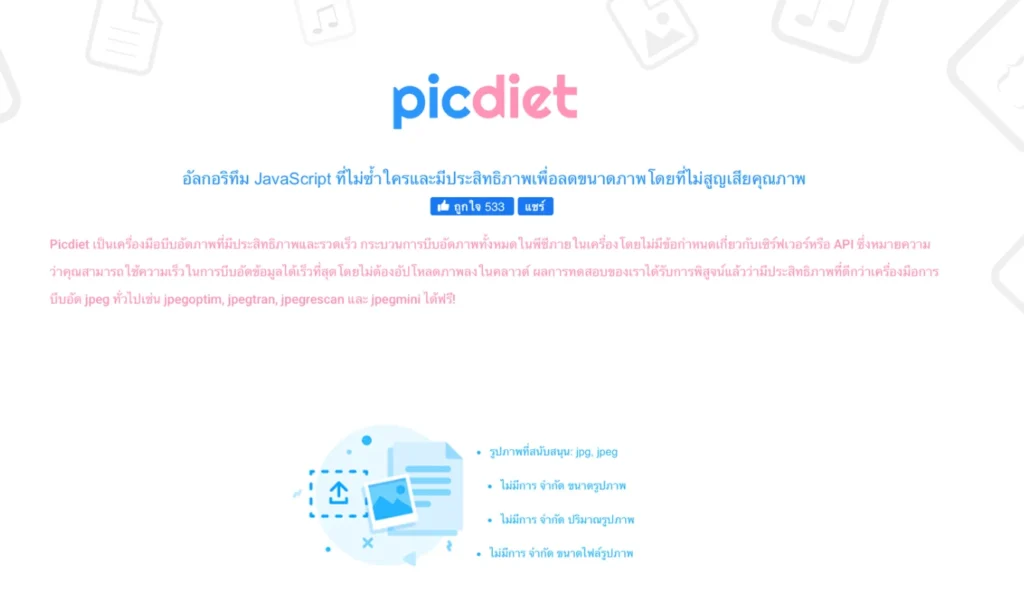
Picdiet is a tool focused on simplicity and efficiency. With an easy-to-use interface, just drag and drop images, and the system will automatically reduce JPG file size without requiring any adjustments.
Picdiet’s standout feature is fast and highly efficient compression, capable of reducing file size by up to 80% while maintaining good image quality. It’s perfect for those looking for a quick and easy image compression method.
Websiteplanet
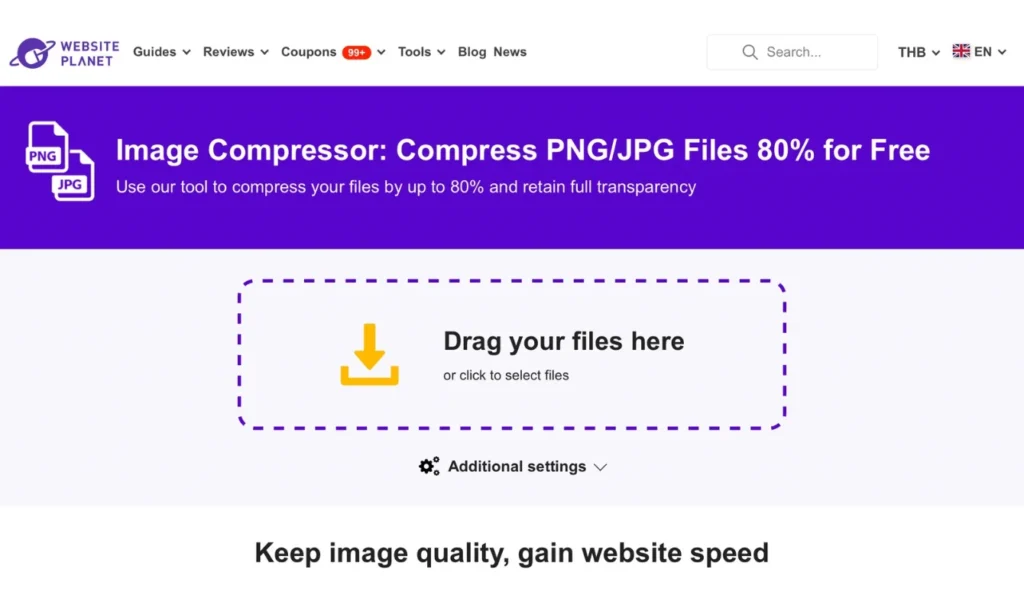
Websiteplanet offers an easy-to-use, free image compression tool. You can upload JPG files up to 50 MB, and the website will automatically reduce the file size. It also offers options to select compression levels as needed.
Websiteplanet also provides articles and advice on reducing JPG file size and other image adjustments, making it a good resource for those wanting to learn more about image file management.
Additional Tips for Image Compression
Beyond using online tools, here are tips to make JPG file size reduction more effective:
- Resize images – If you don’t need large images, reducing image dimensions will significantly decrease file size, especially for high-resolution images from digital cameras
- Choose appropriate compression levels – Too much compression may reduce image quality; try to find a balance between file size and quality
- Crop unnecessary parts – If parts of the image are unnecessary, cropping before compression will greatly reduce file size
- Use appropriate file formats – While this article focuses on reducing JPG file size, sometimes PNG or WebP might be more suitable for your needs
Optimize Your Website with CIPHER!
Reducing JPG file size is just one aspect of website optimization. If you want to elevate your online business to stay ahead of competitors, Cipher Co., Ltd. is ready to help you with comprehensive services.
Cipher is a leading Thai IT Solution and Digital Marketing company with experience in E-commerce website development and online systems for many leading national brands. With our expert team, we offer services covering all digital needs:
- Website design and development that is beautiful, user-friendly, and SEO-friendly
- E-Commerce development on Shopify, Magento, and WooCommerce platforms
- Comprehensive online marketing including SEO services, Content Marketing, and Social Media
- Mobile application development for both iOS and Android systems
- Digital marketing consulting to plan strategies suitable for your business
All our work is packed with quality and high security standards, along with systems designed to support efficient online marketing.
Conclusion
Reducing JPG file size is an extremely useful skill, whether you’re a regular user or an online business owner. Compressing images to smaller sizes saves storage space, increases website loading speed, and improves user experience.
However, reducing JPG file size is just the beginning of website optimization. If you want a comprehensive upgrade for your online business, Cipher’s professional team is ready to provide consultation and services that meet your needs.