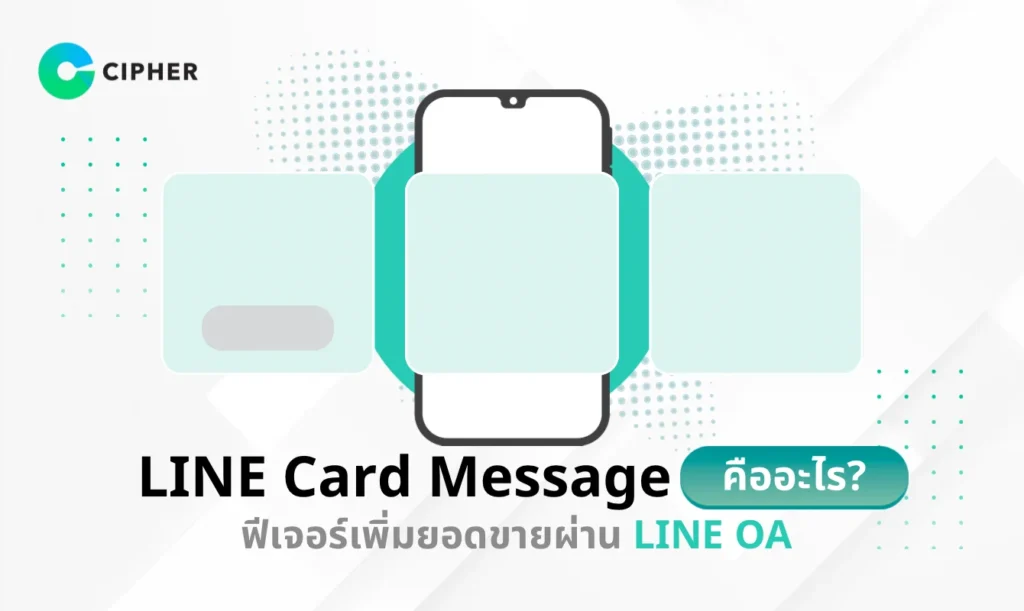
If you’re looking for a marketing tool to attract customer attention on the LINE platform, Card Message is an amazing feature you shouldn’t miss! This feature not only helps present product or service information in an interesting way but also increases sales opportunities effectively. This article will introduce you to LINE Card Message in detail, along with usage techniques from experts at CIPHER to help your business succeed on this popular platform.
Table of Contents
What is LINE Card Message?
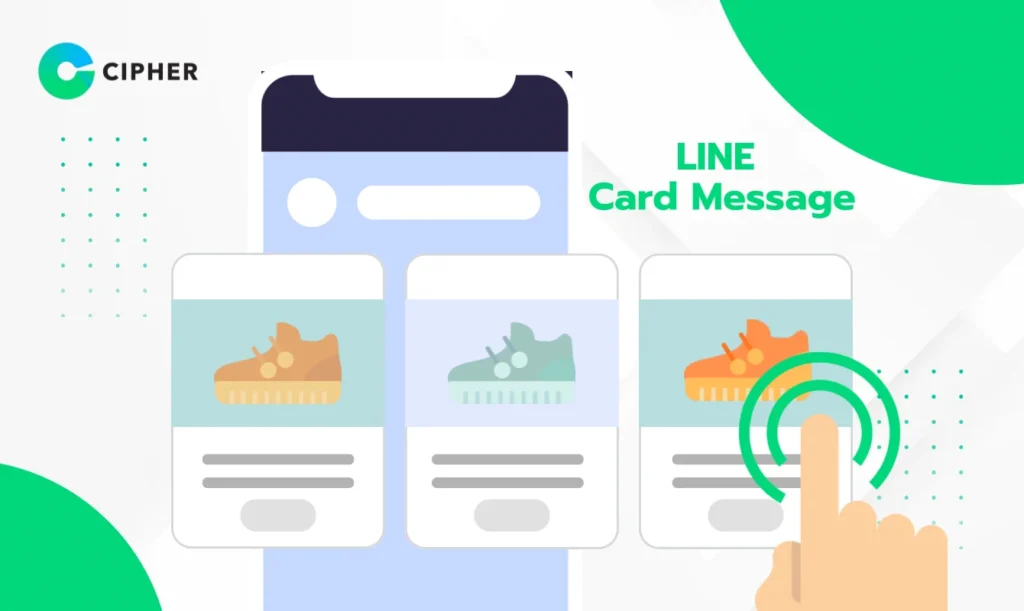
LINE Card Message is a feature on LINE Official Account (LINE OA) that helps brands communicate with customers effectively through an attractive card format. Instead of plain text, Card Message allows you to present content with images, text, and buttons in an eye-catching format that makes information easily accessible and creates more opportunities for interaction.
The LINE Card Message feature is like a digital catalog that helps you introduce products or services efficiently, allowing customers to see beautiful images along with necessary information and complete purchase options.
Benefits of LINE Card Message for Businesses
Using LINE Card Message in your marketing campaigns has many advantages that will enhance your communication with customers. It not only makes your messages more interesting but also offers several other benefits. LINE marketing strategies include:
1. Increases Engagement
2. Creates a Good User Experience
3. Increases Conversion Rate and Sales Opportunities
LINE Card Message effectively increases sales opportunities by displaying product or service information with clear CTA buttons (Call to Action), making it easier for customers to make purchase decisions, resulting in a noticeably higher conversion rate.
4. Helps Develop Branding
5. Provides Precise Measurement
How Many Types of LINE Card Message are There on LINE OA?
1. Product Card Message
2. Place Card Message
3. People Card Message
4. Basic Picture Card Message
How to Create LINE Card Message on LINE OA
Creating Card Message on LINE OA is not as complicated as you might think. Even without coding knowledge, you can do it by following these simple steps:
- Log in to LINE Official Account Manager with an account that has access to your LINE OA
- Select “Card-based Messages” in the message management section
- Click “Create new” to start creating a new Card Message set
- Name the card something meaningful and easy to remember so you can easily find it later
- Choose the type of card you want to create (product, place, person, or picture) according to your purpose
- Fill in the details for each card, including images, text, and CTA button settings
- Add up to 10 cards in one set to present multiple pieces of information at once
- Create a closing card to summarize and encourage customers to make decisions
- Save and verify before using in your campaign
After creating a Card Message, you can use it immediately both for broadcasting messages or setting up as an automatic reply.
Recommended Image Sizes for LINE Card Message
Card Message size is extremely important for beautiful and professional display. Using images with inappropriate Card Message sizes may cause images to be cropped, compressed, or displayed incompletely, which affects brand credibility. Therefore, you should prepare images according to the recommended Card Message sizes for each type:
- Product Cards: Use images with Card Message size of 1664 x 1080 pixels in square format for clear and beautiful product display
- Place Cards: Recommended to use images with Card Message size of 1664 x 1080 pixels in landscape format to show the complete atmosphere of the location
- People Cards: Use images with Card Message size of 1664 x 1080 pixels in portrait format for clear visibility of the person
- Picture Cards: Can use images with Card Message size of 1199 x 1080 pixels in landscape format freely
- Closing Cards: Should use images with Card Message size of 1664 x 1080 pixels in JPG, JPEG, or PNG format
Preparing images with appropriate sizes not only makes your Card Message look beautiful but also helps load data faster, which positively affects user experience.
Techniques to Create Engaging LINE Card Messages
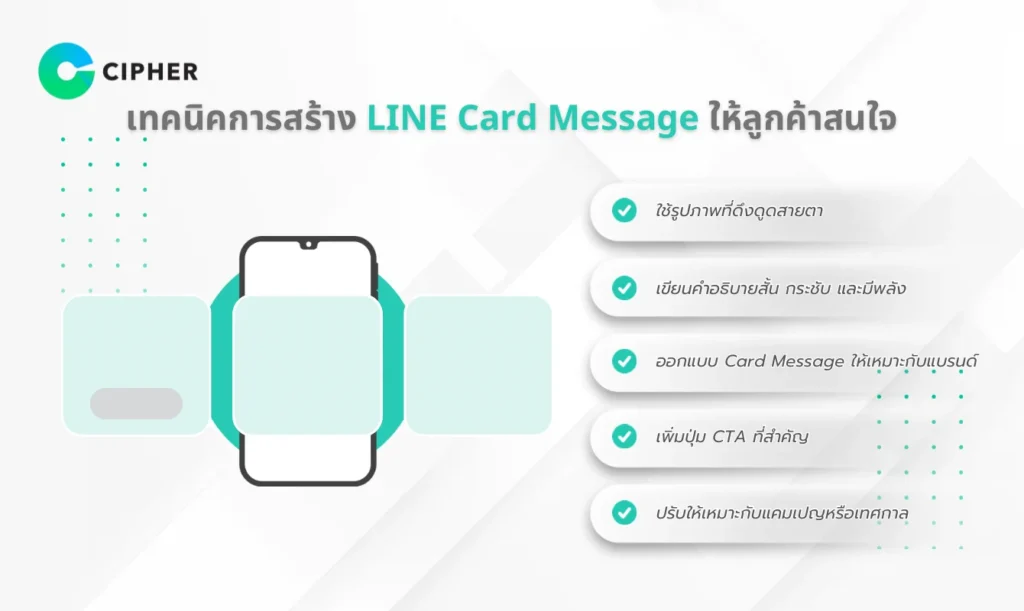
Creating Card Messages isn’t just about adding images and text, but also involves techniques to increase effectiveness and attract customer attention with these tips:
- Use eye-catching images: Choose high-quality images with vibrant colors that clearly communicate your message. Avoid using low-resolution images or those with cluttered elements, as images are the first thing that will attract the recipient’s attention
- Write short, concise, and powerful descriptions: Use easy-to-understand, direct, and decision-stimulating text. Avoid using long sentences or technical terms that are difficult to understand, so customers can quickly understand the information
- Design Card Messages suitable for your brand: Use colors and formats consistent with your brand identity to enhance recognition and professionalism. Having a unique format will help customers remember your brand more easily
- Add important CTA buttons: Use decision-stimulating button text such as “Buy Now,” “Book Now,” or “See More” instead of generic words like “Click,” and place buttons in clearly visible positions
- Adapt to campaigns or festivals: Create Card Messages that match special seasons or campaigns such as New Year, Valentine’s Day, or Black Friday to create a sense of involvement and stimulate purchasing decisions during special times
Using these techniques will help make your Card Messages not only beautiful but also effective in stimulating sales and creating engagement with your brand.
Consult About LINE Card Message Strategy with CIPHER
If you want to maximize the effectiveness of Card Message, consulting experts like CIPHER will help you get strategies suited to your business. Cipher Company Limited is one of Thailand’s digital marketing leaders with specialized expertise in comprehensive LINE OA strategy development.
CIPHER has a professional team ready to advise and plan Card Message usage suitable for your business goals, whether increasing sales, building brand awareness, or increasing customer engagement. CIPHER’s services cover:
- Consulting on LINE OA marketing strategies
- Designing and producing Card Messages that meet business needs
- Planning campaigns and determining appropriate sending times
- Analyzing results and improving performance
With experience working with clients across various businesses, CIPHER understands the specific needs of each industry and can design Card Messages that effectively reach target audiences.
Conclusion
Card Message is a powerful feature on LINE OA that helps businesses communicate with customers more effectively. Choosing the right Card Message for your business, preparing correctly sized images, and using effective Card Message creation techniques will help make your marketing campaigns successful.
If you want to enhance your use of Card Messages for the best business results, CIPHER is ready to advise and help you develop appropriate strategies for your business to grow sustainably on the LINE platform, which has massive user numbers in Thailand.